Best Wi-Fi Routers for Home and Office Networks
Few tech frustrations match the agony of an unreliable home network: video calls that freeze during client presentations, multiplayer games that stutter with packet loss, and frustrating “Wi-Fi dead zones” in upstairs bedrooms.
Most households continue using the cheap, combination modem-router units provided by their Internet Service Provider (ISP). These carrier boxes contain underpowered microprocessors and weak internal antennas engineered to minimize ISP equipment costs rather than maximize your home network throughput.
Upgrading to a high-performance standalone router or dedicated mesh Wi-Fi system instantly transforms your internet experience.
In this comprehensive guide, our networking lab evaluates the premier Wi-Fi routers across standalone performance, whole-home mesh coverage, and prosumer network management.
Premier Wi-Fi Routers At a Glance
| Model & Category | Wireless Standard | Optimal Home Size | WAN/LAN Speeds | Backhaul Capability | Ideal Use Case |
|---|---|---|---|---|---|
| ASUS RT-BE88U (Standalone Flagship) | Wi-Fi 7 (Tri-Band) | Up to 2,500 sq ft | 10GbE WAN + 10GbE SFP+ + 4x 2.5GbE | AiMesh expandable | Gamers, power users, homelabs |
| TP-Link Deco BE85 (Mesh 2-Pack) | Wi-Fi 7 (Tri-Band Mesh) | Up to 5,500 sq ft | Dual 10GbE + dual 2.5GbE per node | Dedicated 6GHz wireless or 10GbE wired | Multi-story luxury homes |
| Eero Max 7 (Compact Mesh) | Wi-Fi 7 (Tri-Band Mesh) | Up to 5,000 sq ft | Dual 10GbE + dual 2.5GbE | Automatic multi-channel wireless | Frictionless plug-and-play families |
| GL.iNet Flint 2 (OpenWrt Value Pick) | Wi-Fi 6 (Dual-Band) | Up to 2,000 sq ft | Dual 2.5GbE + 4x 1GbE | WireGuard VPN server built-in | Privacy enthusiasts, homelabs |
1. Standalone Router vs Mesh System: Which Do You Need?
The most fundamental architectural decision when designing your home network is choosing between a single powerful standalone router and a multi-node mesh system.
Choose a Standalone Router if:
- Your home is under 2,200 square feet with a relatively open floor plan.
- Your internet modem is centrally located in your residence.
- You play competitive online multiplayer games where raw routing latency and local Quality of Service (QoS) controls take priority over coverage radius.
Choose a Mesh System if:
- Your home exceeds 2,500 square feet, spans multiple stories, or is constructed with dense brick, stone, or plaster walls that absorb 5 GHz radio frequencies.
- Your modem is stuck in an awkward corner of the basement or garage.
- You want a seamless network where your phone automatically roams between access points using IEEE 802.11k/v/r protocols without dropping audio calls.
2. The Golden Rule of Mesh: The Backhaul Dilemma
A mesh system consists of a main router connected to your modem and one or more satellite nodes placed throughout your home. How those nodes communicate with each other (the Backhaul) dictates 70% of your real-world speeds.

Wireless Backhaul:
In a purely wireless mesh setup, the satellite node must receive the Wi-Fi signal from the main router over the air and re-broadcast it to your laptop.
- In Dual-Band Mesh, the satellite must use the same 5 GHz radio channel to both receive and transmit data simultaneously, cutting your available speeds by 50%.
- In Tri-Band Mesh, the system reserves an isolated, third radio band (typically 6 GHz) strictly for communication between the nodes, preserving full throughput for client devices.
Wired Ethernet Backhaul (The Ultimate Setup):
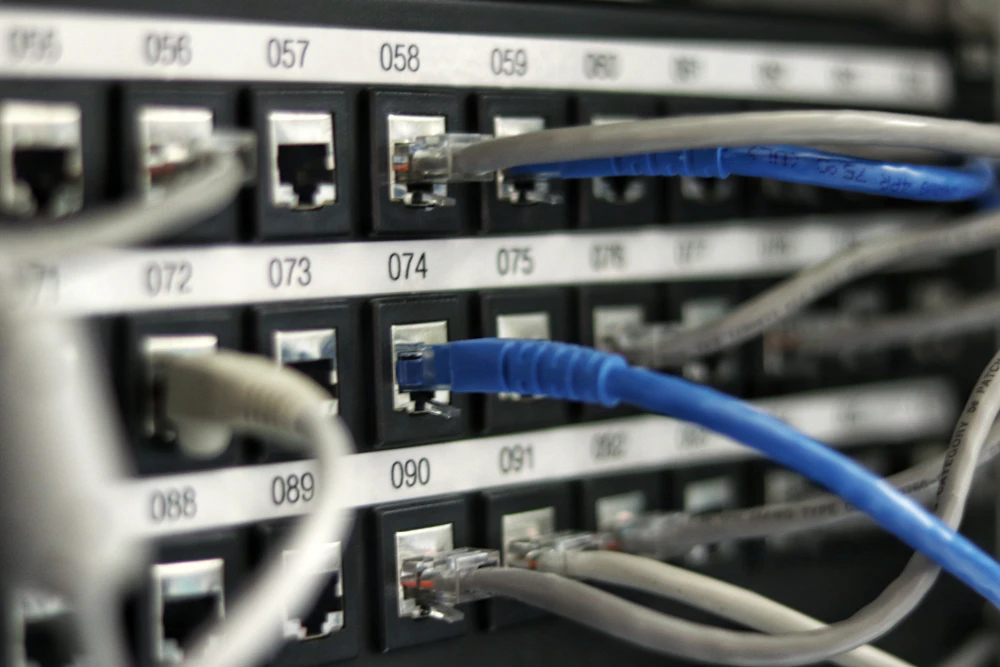
If your home is wired with Cat6 Ethernet wall ports, connect your mesh satellite nodes via physical cables. This frees up 100% of the wireless spectrum for your phones and laptops, delivering maximum gigabit speeds in every corner of your property.
3. Bufferbloat and Smart Queue Management (SQM)
Have you ever noticed that your ping in an online game spikes from 20ms to 400ms the moment a family member starts downloading a large file or streaming 4K video?
This phenomenon is called Bufferbloat:
- Standard routers store excess network packets in large internal memory buffers when incoming traffic exceeds bandwidth capacity.
- These bloated buffers introduce severe queuing latency delays.
- Advanced routers running Smart Queue Management (SQM) (such as Cake or FQ-CoDel algorithms found in ASUS and OpenWrt routers) intelligently prioritize time-sensitive gaming and voice packets ahead of bulk downloads, guaranteeing pristine low-ping gaming even on saturated networks.