Windows vs macOS vs Linux: Which Operating System Is Better?
The debate over which desktop operating system reigns supreme has raged for decades. However, the modern computing ecosystem has shifted substantially. Operating systems are no longer merely launchers for desktop executables; they are comprehensive platforms deeply intertwined with cloud ecosystems, hardware security enclaves, machine learning runtimes, and mobile device continuity.
In this exhaustive editorial analysis, we evaluate Microsoft Windows 11, Apple macOS, and Modern Desktop Linux (Ubuntu, Fedora, Arch) across usability, software support, privacy, security, and hardware compatibility.
High-Level Operating System Comparison Matrix
| Core Dimension | Microsoft Windows 11 | Apple macOS | Modern Desktop Linux |
|---|---|---|---|
| Primary Kernel | Windows NT Hybrid Kernel | XNU / Darwin (UNIX-certified) | Monolithic Linux Kernel |
| Hardware Ecosystem | Open / Universal (Thousands of OEMs) | Proprietary / Apple Silicon only | Open / Universal (Broad x86/ARM) |
| Gaming Performance | Unmatched (DirectX 12, Anti-Cheat, Game Pass) | Moderate (Metal 3, GPTK growing) | Outstanding (Proton / Steam Deck ecosystem) |
| Developer Environment | Excellent (via WSL 2 subsystem) | Native POSIX UNIX terminal | Native Native Root environment |
| Telemetry & Privacy | Heavy diagnostic data collection | Moderate telemetry (Apple ecosystem) | Absolute user sovereignty / Zero telemetry |
| Window Management | Exceptional (Snap Layouts, Virtual Desktops) | Basic out-of-box (requires 3rd party tools) | Infinitely configurable (KDE, GNOME, Tiling) |

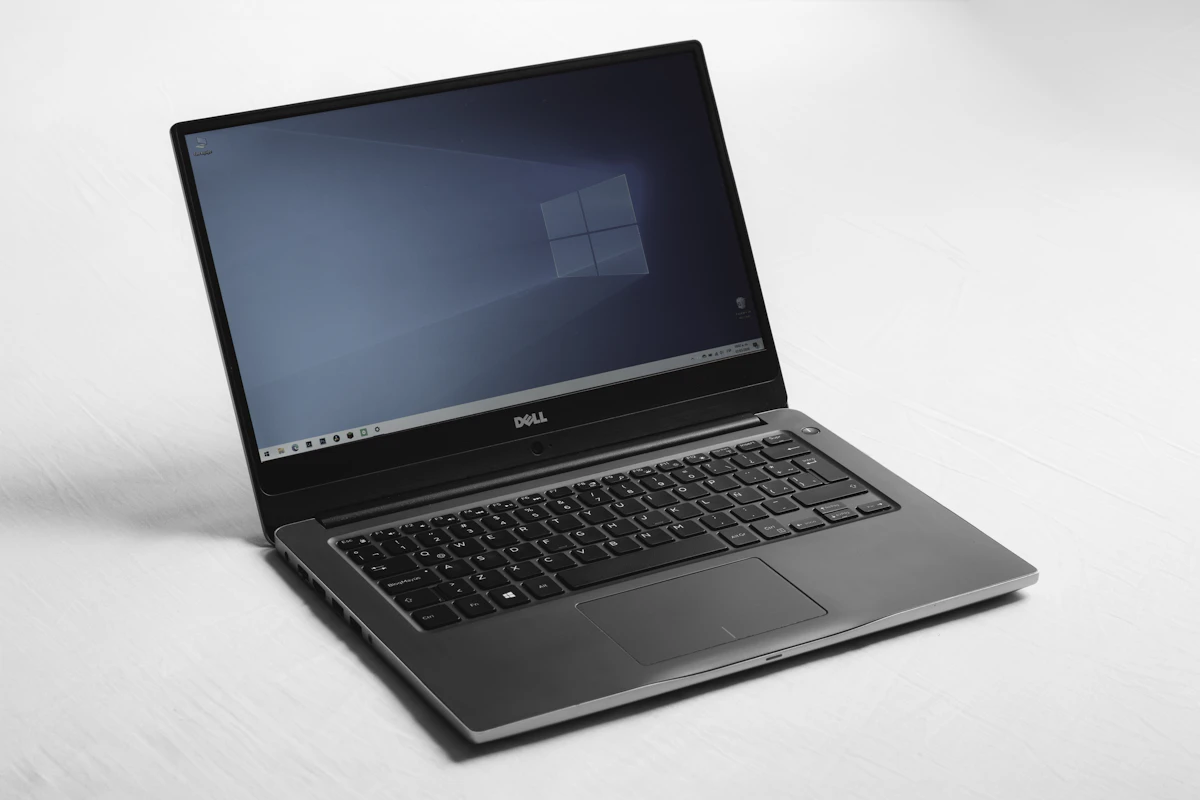
1. Microsoft Windows 11: The Universal Workhorse
Windows continues to hold approximately 70% of the worldwide desktop market share for good reason: sheer adaptability and backward software compatibility.
Where Windows Excels
- PC Gaming Hegemony: Windows remains the unrivaled king of interactive entertainment. Native support for DirectX 12 Ultimate, driver-level optimizations from NVIDIA and AMD, and compatibility with proprietary kernel-level anti-cheat engines (Vanguard, Easy Anti-Cheat) make it indispensable for serious gamers.
- Enterprise Software Backwards Compatibility: A legacy Win32 application written in 2004 can frequently run unmodified on Windows 11 through Microsoft’s extraordinary commitment to backwards binary compatibility.
- Windows Subsystem for Linux (WSL 2): Developers no longer need to dual-boot to execute Linux bash scripts or Docker containers. WSL 2 runs a genuine lightweight Linux kernel in a virtualization hypervisor with seamless file system sharing and GPU acceleration.
Where Windows Stumbles
- Advertising and System Bloat: Windows 11 has increasingly integrated sponsored recommendations, telemetry trackers, OneDrive nags, and default web browser pushes in the Start Menu and Settings apps.
- Hardware Fragmentation: Supporting millions of disparate motherboard, graphics, and peripheral configurations inevitably introduces sporadic driver conflicts and blue screen crashes (BSOD).
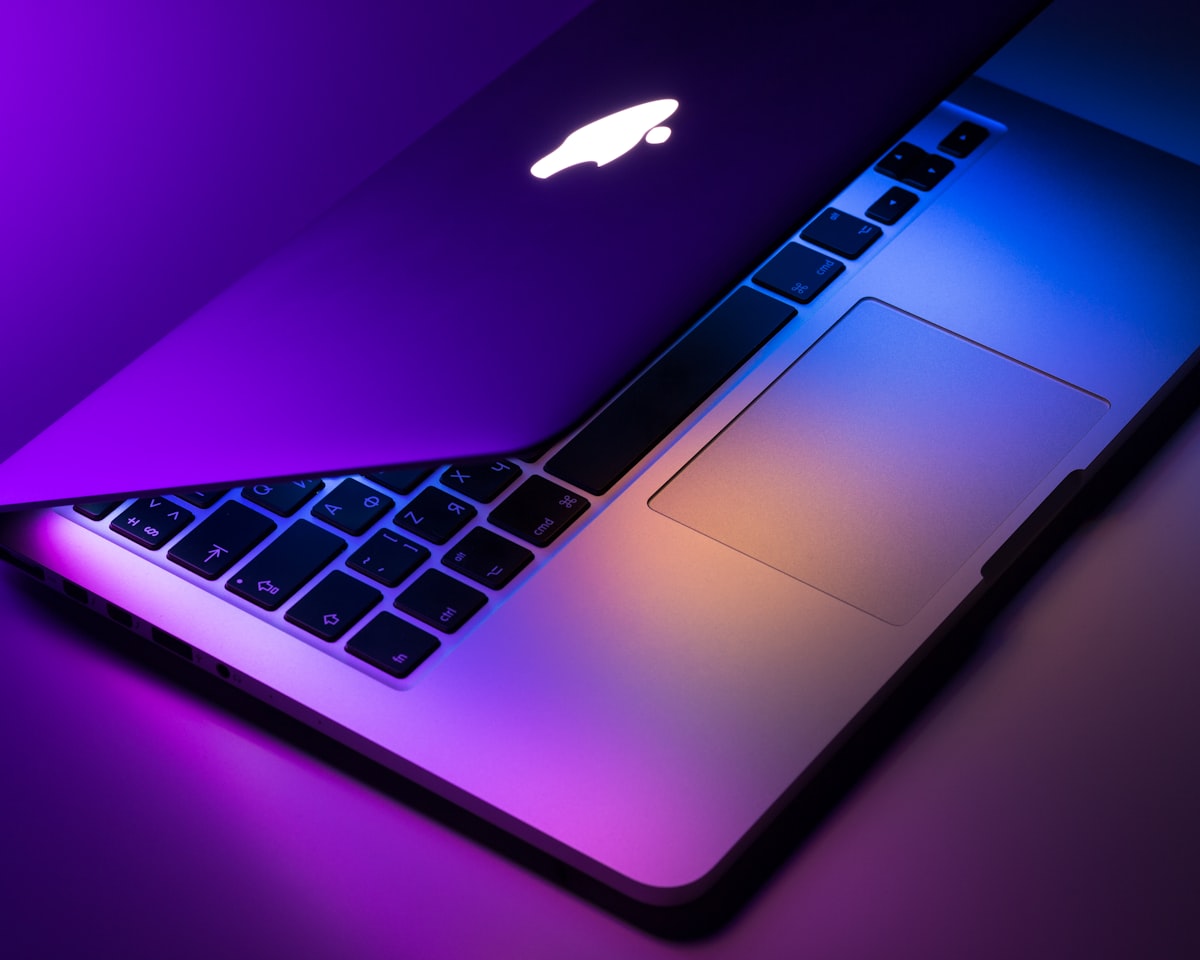
2. Apple macOS: Cohesion, Polish and Silicon Synergy
Apple’s macOS represents the pinnacle of vertical hardware-software integration. By designing both the underlying Apple Silicon (M1/M2/M3/M4) chips and the macOS Darwin operating system, Apple achieves performance-per-watt efficiency that x86 hardware struggles to match.
Where macOS Excels
- Ecosystem Continuity: Features like AirDrop, Universal Clipboard, Sidecar (using an iPad as a secondary display), and iPhone Mirroring create an effortless workflow for users already invested in the Apple hardware ecosystem.
- Creative Suite Optimization: Industry-standard tools such as Final Cut Pro, Logic Pro, and Adobe Creative Cloud utilize Metal API hardware video decoders and unified memory, enabling smooth scrubbing through multiple streams of 8K ProRes footage with zero frame drops.
- POSIX UNIX Compliance: Because macOS is built atop a certified UNIX core, developers enjoy a native POSIX-compliant terminal, native Bash/Zsh scripting, and compatibility with UNIX server tools without virtualization layers.
Where macOS Stumbles
- Zero Hardware Upgrades: Apple laptops and desktops feature memory and storage soldered directly to the system-on-chip. Upgrading after purchase is physically impossible, and Apple’s upgrade pricing ($200 per 8GB RAM increment) is notoriously steep.
- Gaming Library Limitations: Despite Apple’s Game Porting Toolkit, many major AAA titles and virtually all esports titles with kernel-level anti-cheat remain unavailable on macOS.

3. Desktop Linux: Ultimate Freedom and Privacy Sovereignty
Long relegated to server rooms and enthusiast niches, modern desktop Linux—represented by user-friendly distributions like Ubuntu, Fedora Workstation, Linux Mint, and Pop!_OS—has experienced a dramatic renaissance.
Where Linux Excels
- Complete Privacy and Zero Telemetry: Your operating system does not log your keystrokes, serve targeted banner ads, or report your application usage to corporate advertising networks.
- Valve Proton and the Gaming Revolution: Valve’s investments in Proton (a compatibility layer built atop Wine and DXVK) mean that over 80% of top Steam titles run out-of-the-box on Linux with performance rivaling Windows.
- Resource Efficiency: Linux distributions can run comfortably on 4GB of RAM and modest processors, making them exceptional for resurrecting older laptops that struggle under Windows 11.
Where Linux Stumbles
- The Adobe and Microsoft Office Vacuum: Professional creative tools like Adobe Premiere, Photoshop, and native Microsoft 365 desktop apps do not run natively on Linux. While web alternatives (Figma, Photopea, LibreOffice) exist, enterprise collaboration often mandates native Microsoft applications.
- Troubleshooting Complexity: When something breaks (such as a niche Wi-Fi card driver or fractional display scaling issue), solutions often require executing terminal commands and modifying configuration files.
Summary Verdict: Which Should You Choose?
- Choose Windows 11 if: You are an avid gamer, work in an enterprise enterprise ecosystem reliant on proprietary corporate software, or want complete freedom to build and upgrade your own desktop hardware.
- Choose macOS if: You prioritize exceptional battery life, work in creative video/audio/design fields, develop iOS/Mac software, or want a polished, low-maintenance appliance.
- Choose Linux if: You value digital privacy above all else, work as a backend software engineer or DevOps professional, or despise telemetry and enforced corporate update cycles.